Image
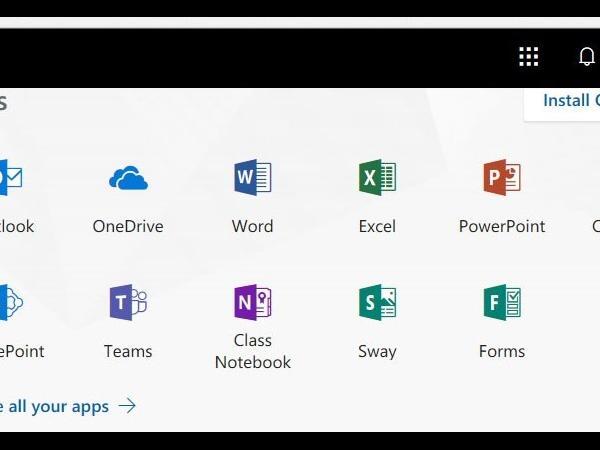

The Microsoft 365 portal offers an integrated solution for audio and video conferencing, shared calendaring, and email. It offers richly formatted web-based accessibility to email and all other tools. It has an integrated Data Loss Prevention (DLP) solution that enables compliance with University policies and federal laws.
Email can be accessed on the web at Microsoft 365 or Outlook on the web. SIPA users' email address will be [email protected].
You can access email, instant messaging, documents, and other Office 365 services from your mobile phone or tablet. Supported devices include Windows Phone, iPhone and iPad, and Android Phone.
Users can configure their Outlook both on PC and Mac by creating a new profile to access email from Microsoft Exchange, and typing their new credentials.
Your Name: enter your nameEmail: [email protected]
Password: enter your SIPA email password
The system will automatically do the necessary configuration and connect you.
Accessing SIPAMAIL via Web Outlook
From a browser, go to Microsoft 365 or Outlook on the web.
Login with your new credentials. First time users will be asked to change the temporary password provided. This password is only to access MS 365 products, such as the online mail, calendars, Lync. SharePoint sites and OneDrive will be available this summer.
After login for the first time, the web portal will show “Get Started with office 365” screen. Training videos are available for each product. This screen be accessed at any time by clicking on the “office 365” Menu at the top. In addition, the navigation bar will include Outlook mail, Calendars, People/contacts and other products as shown in the next screenshot.